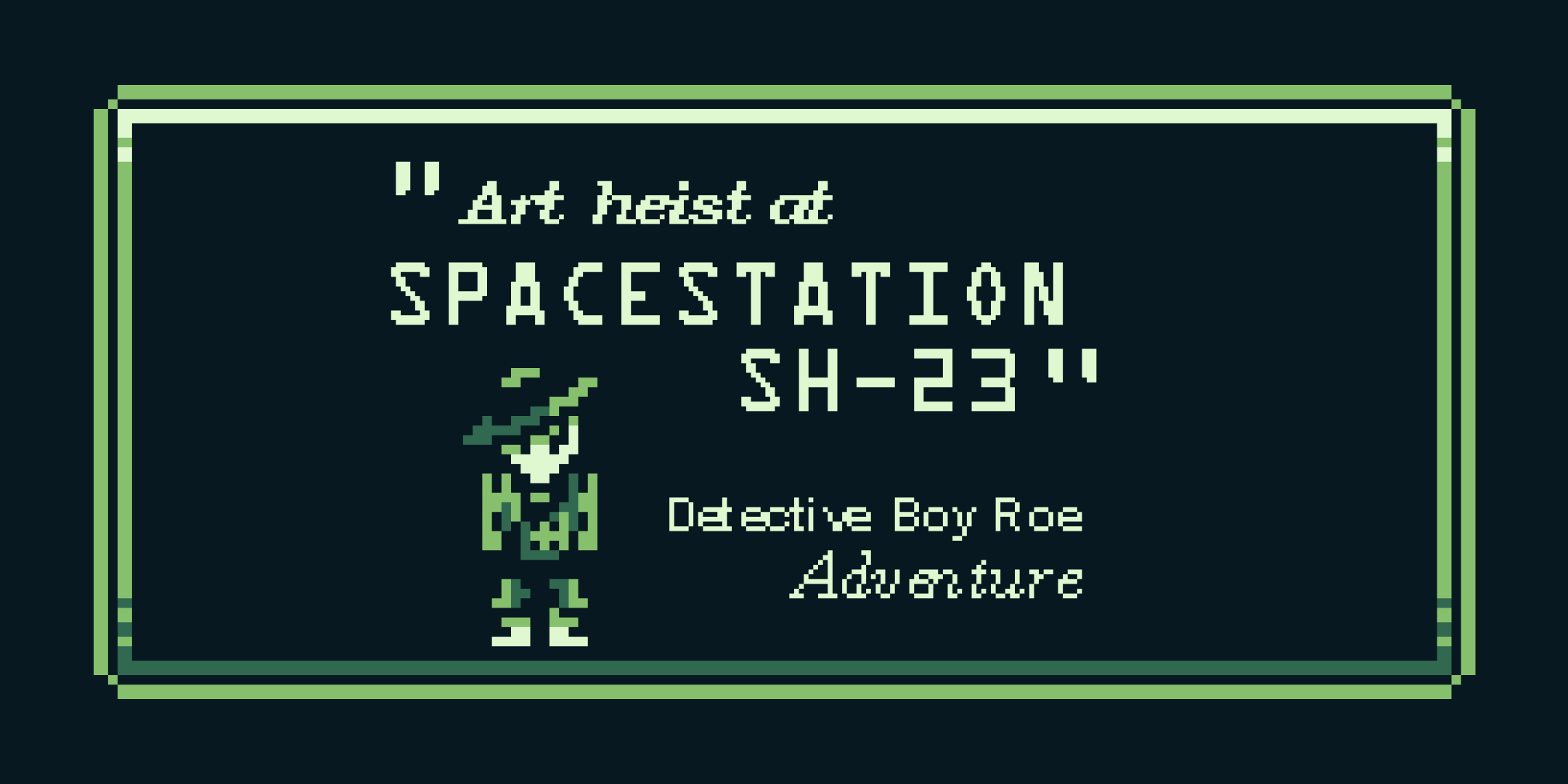
Detective Boy Roe - GB Jam 11
Team project
I joined GB Jam 11 to develop an "Ace Attorney"-style adventure game over 10 days. We wanted to ensure every element of the experience, from art to music to UI, captured that Gameboy aesthetic and feeling.
Working as a team
Initial ideation
Context
I had a great opportunity to showcase my project leadership and design skills during GB Jam 11. It was a 10-day challenge where me and my team, Nathaniel and Angel, worked hard to create a fun Gameboy-style game centered around a space theme.
Our game was a detective mystery similar to the Ace Attorney series, which we built using the GB Studio 3.0 game engine. We took notes from various pieces of detective media to create a Poirot and Hastings aspirer with Detective Boy Roe and his partner St-1ngs.
I'm happy to say we got 47th out of 402 entries overall in the jam!
Delegating tasks
Since we were working with such a short timeframe, we had to delegate roles to ensure we wouldn’t be spread too thin. While it was new to me, I volunteered to program the game. I have experience designing and handing things over to developers to engineer, and this would be a great way to bolster my understanding of that process from the other side.
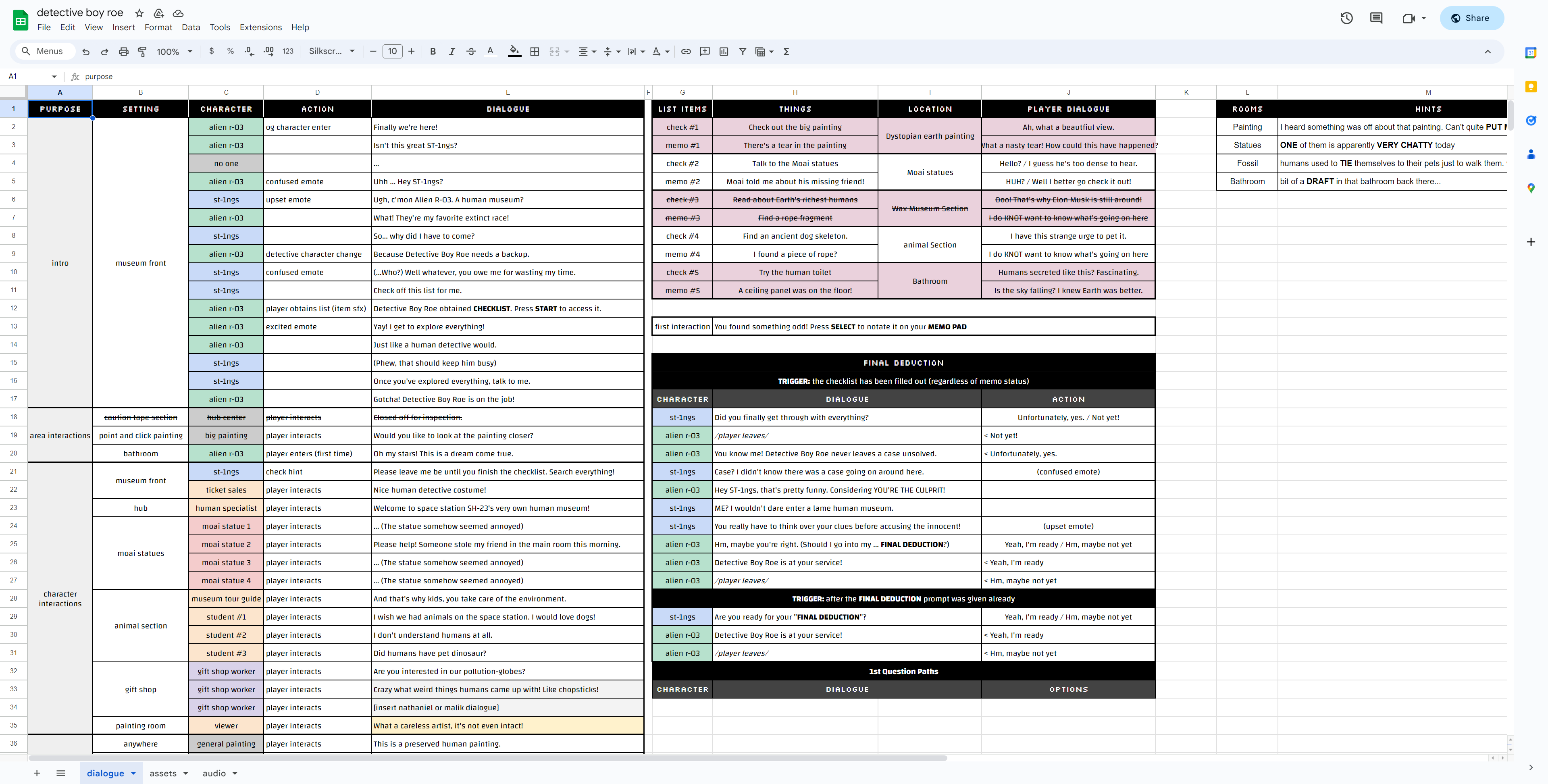
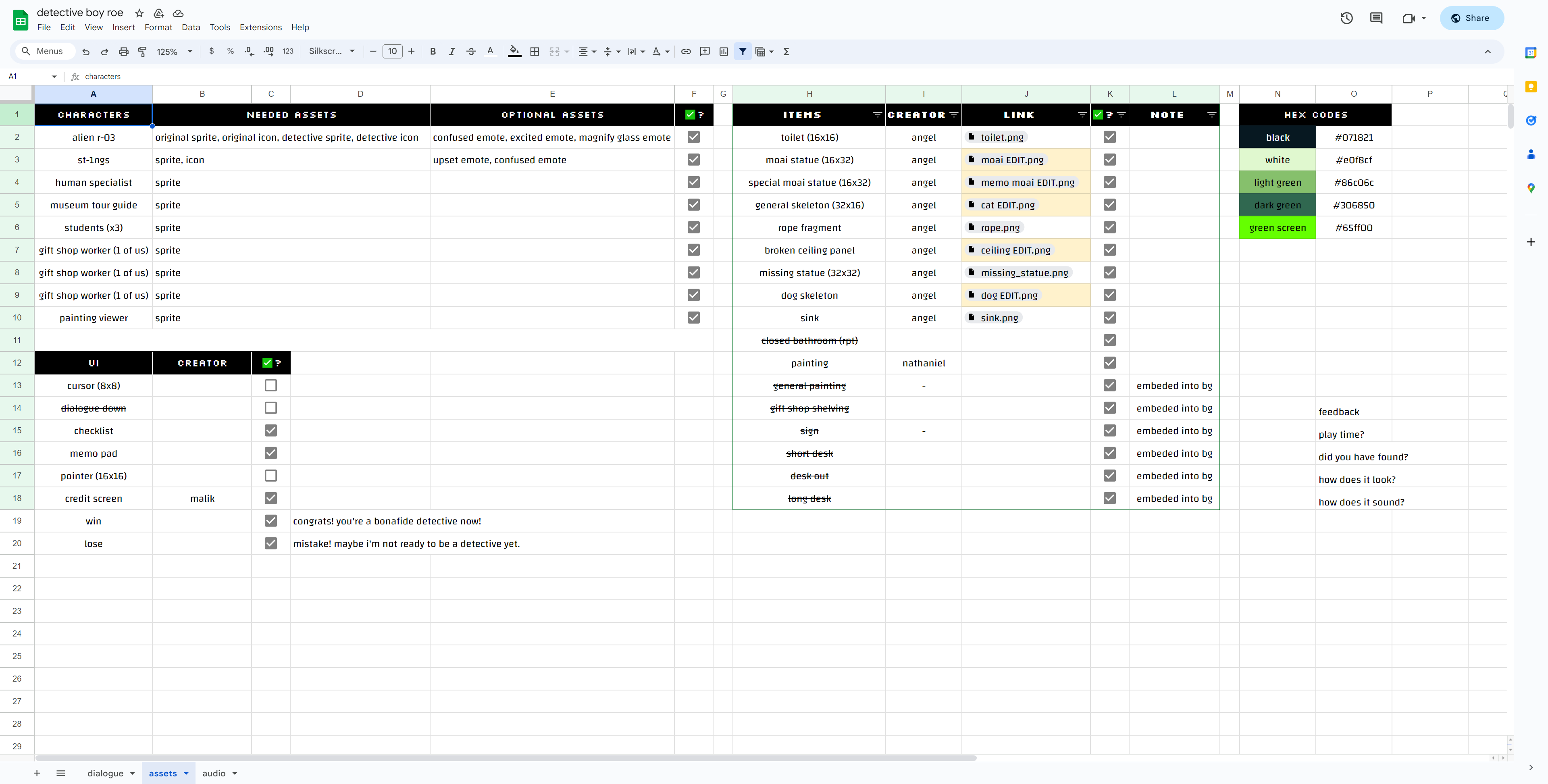
We had to hit the ground running with getting the game together. While I didn’t have assets, I started working on a prototype of some of our main gameplay mechanics and systems. To keep track of all the assets and monitor our progress, the team started working on a document that helped track these items.
Creating a puzzle game
Workflow
Early prototyping
Having never worked in GB Studio before, it was essential to dedicate some time to learning the tool. I started by developing some basic movement systems within another prototype that helped communicate some ideas to the team.
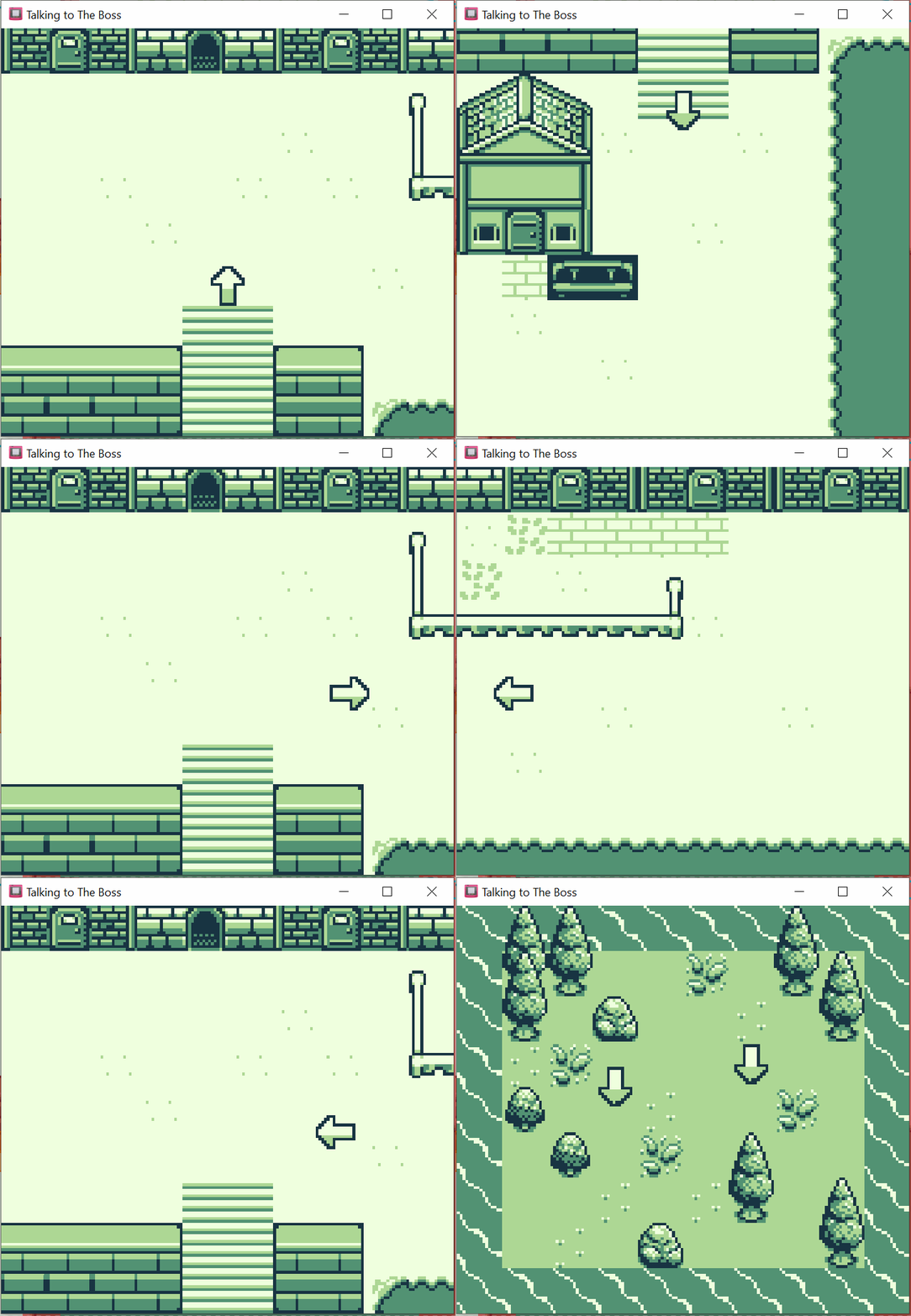
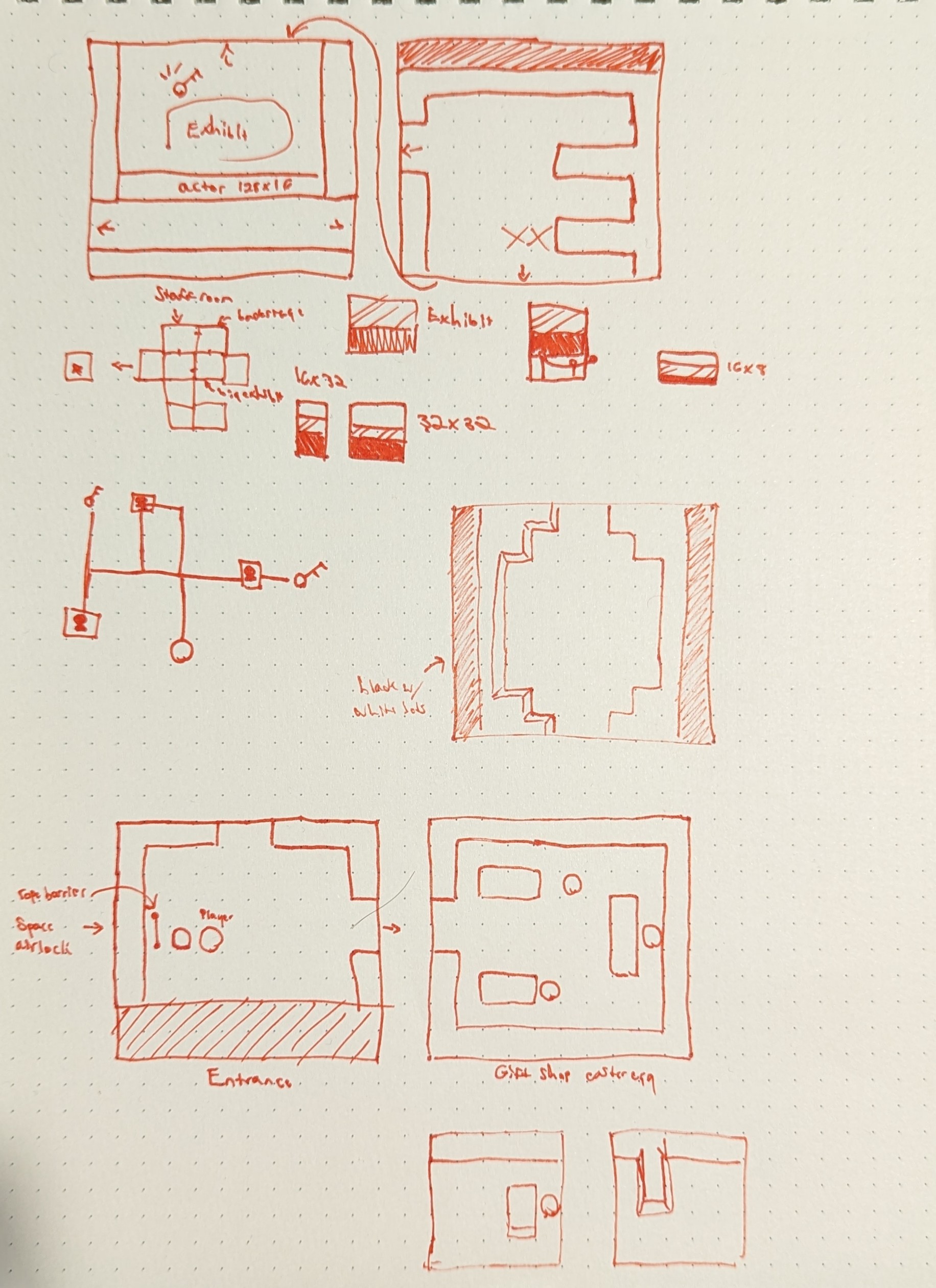
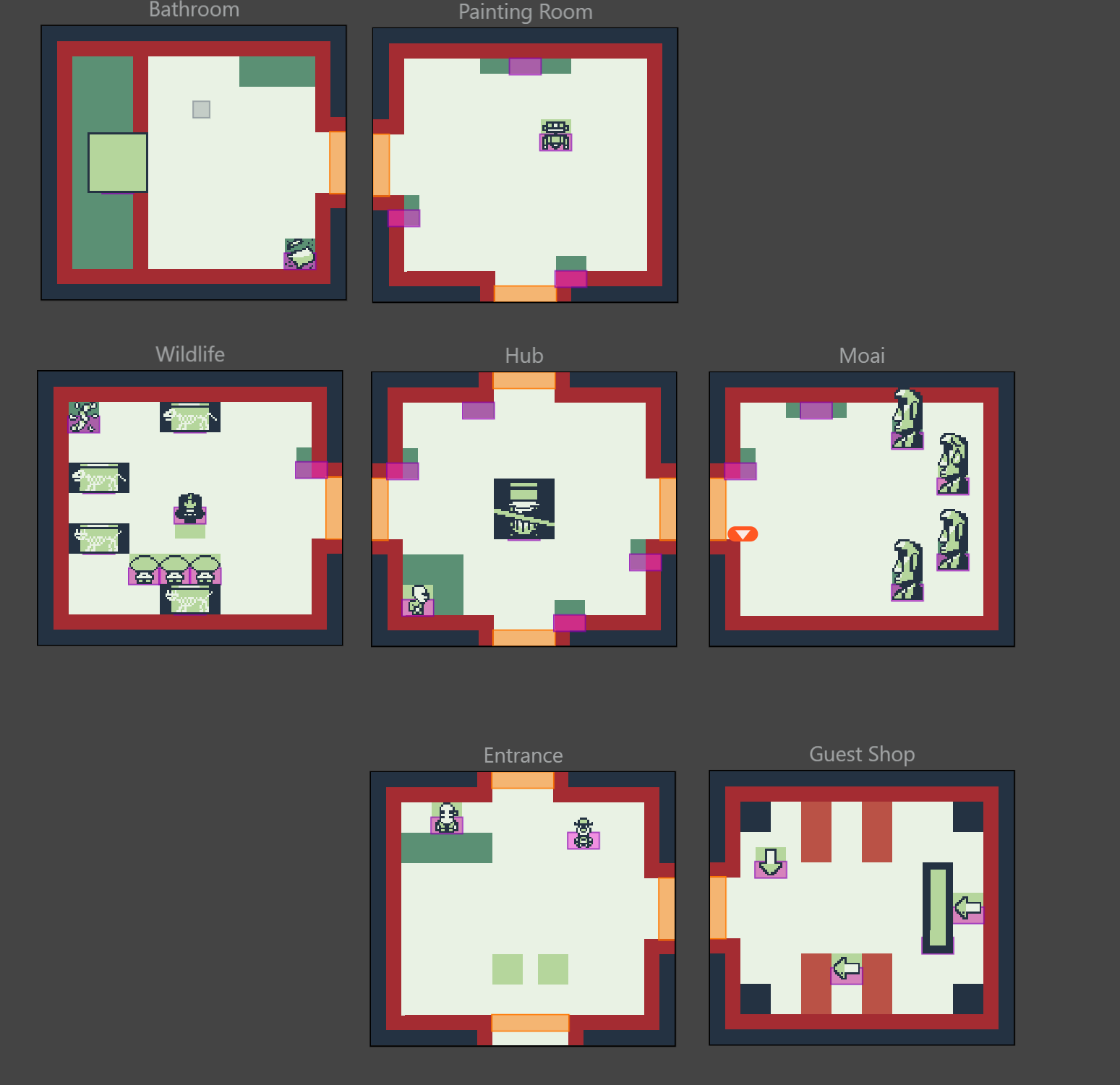
Once I began finishing up location-agnostic systems like the menus and triggers, I decided to start ideating level layout and puzzle design. Beginning with some light sketches and placeholder assets let me move forward with prototyping other systems of our game while the rest of the art assets came through.
Creating UI
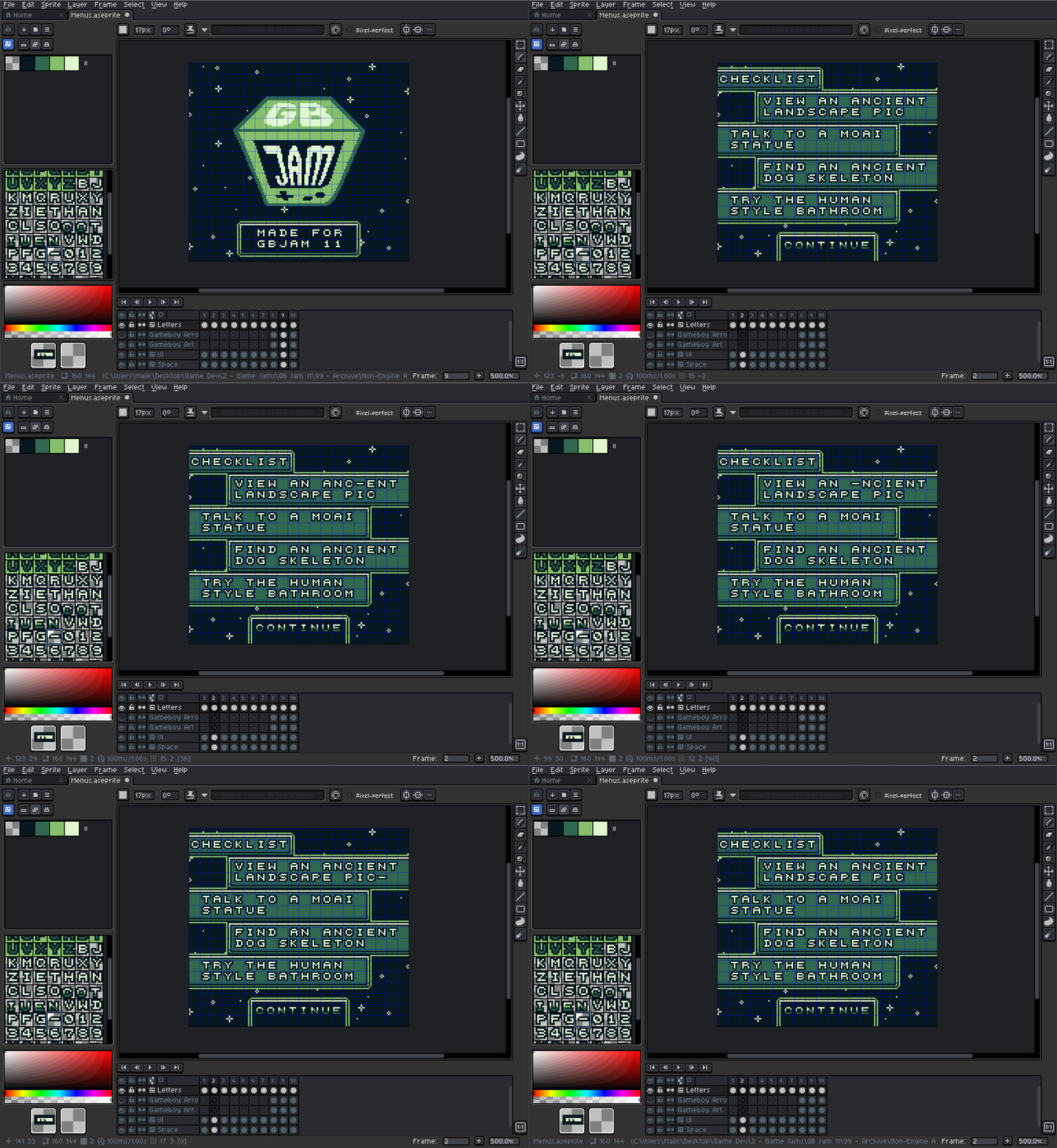
I also got to work on the menus and other UI elements. While the Gameboy has limited space and color to work with, there are still plenty of ways to communicate information to players. Creating a typeface and frame system that could work modularly would save us a ton of time going forward, and the best tool I could use for this would be Aseprite.
Working Within Scope
Engine limitations
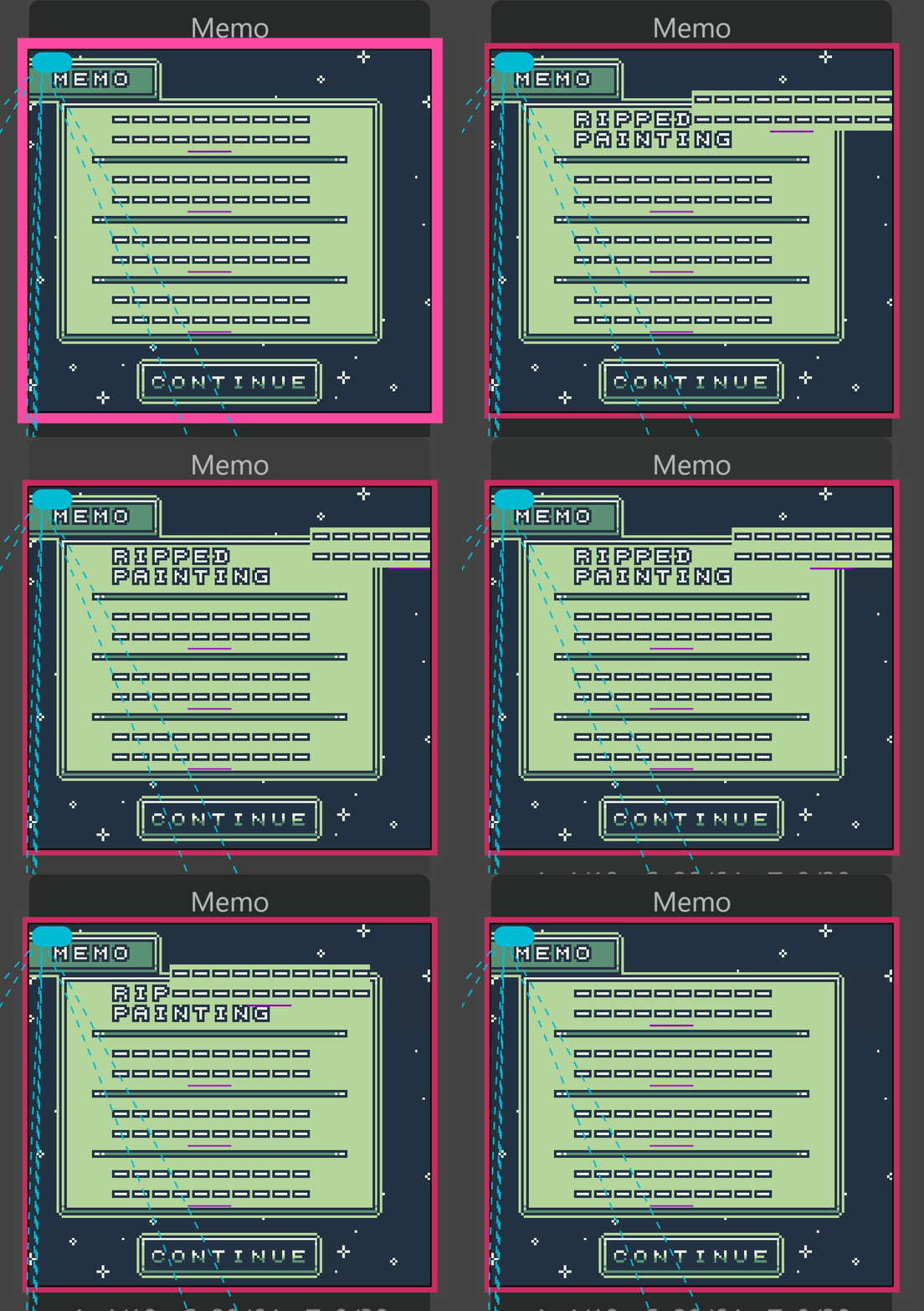
Because GB Studio can export games to work on actual Gameboy devices, we had to work with those limitations for our game. For example, we needed to figure out how to hide elements of our menu screen.
Changing background tiles in GB Studio would be complex and take a lot of time to learn and implement. I had the idea to create the standard UI with the text and create an actor that sat on top of the background and could be toggled on or off with a trigger. This way, we can implement a core feature while staying true to our deadline.
We also had to work closely together on art to ensure it could fit within the Gameboy’s tile size limit. The reality of game dev is that we might not be able to implement all ideas the way we want them, but we can still find ways to work around them to create the experience we’re looking for.
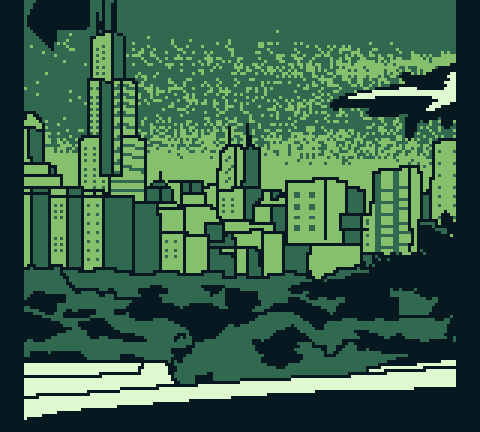
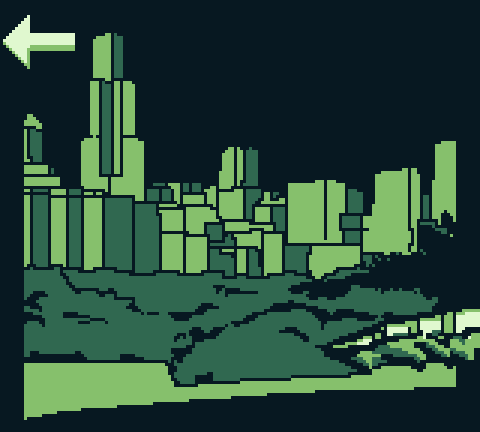

Launching our game
Testing
Internal & external playtesting
Once the game was in a finished, playable state, we went through it as a team and played the game through to iron out any bugs or inconsistencies we could find.
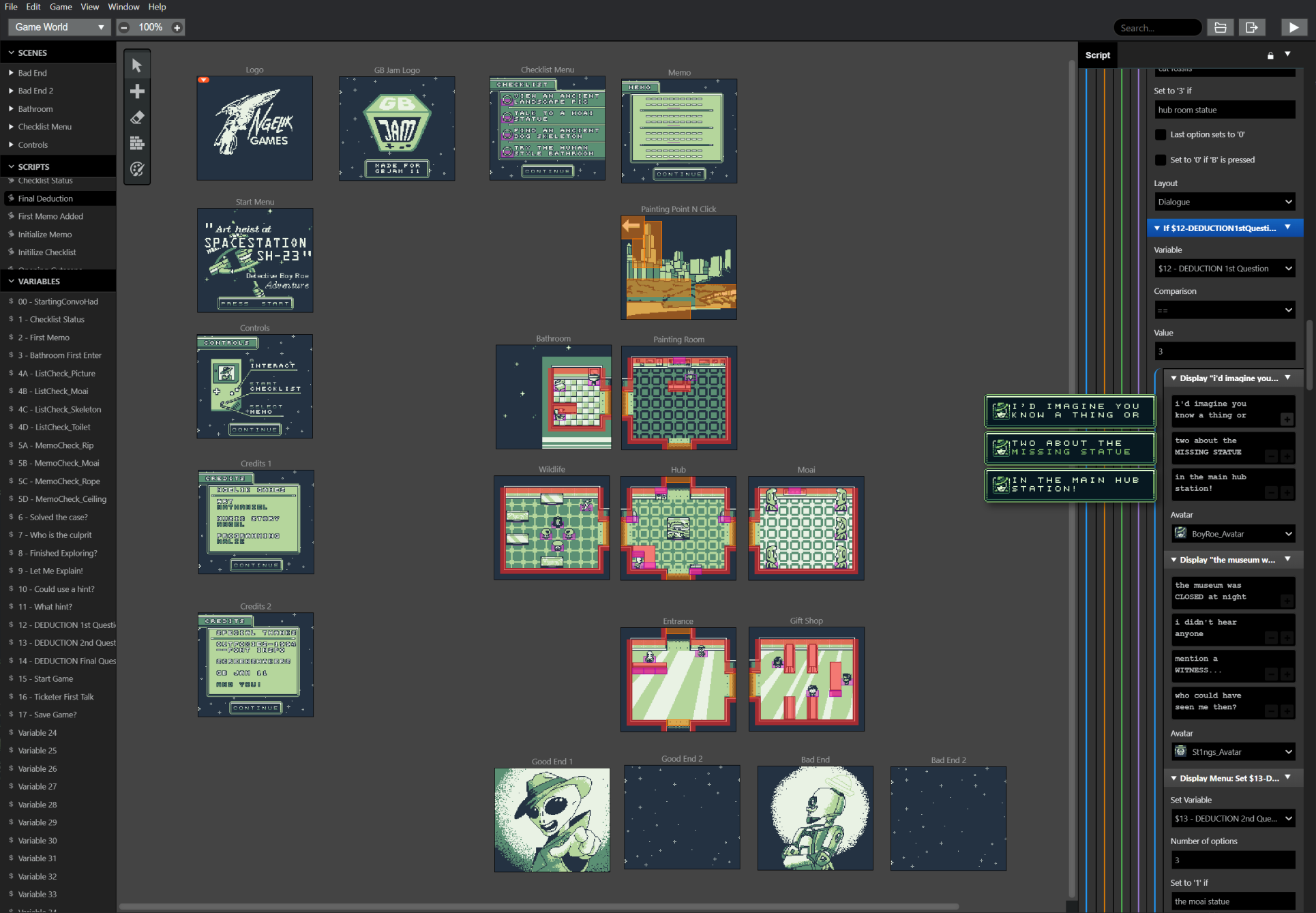
We set out to wrap up a day early to share the game with others in our Discord group and get their feedback. I also got other people to play in person to watch how they played our game.
Reflecting on this project
Going forward
Further tweaking
While I’m unable to edit the game jam page since these stand as an artifact of what we could accomplish within the timeframe, I could see ways to make some improvements going forward.
Watching others playtest gave me some ideas on how to enhance the user experience. For instance, it would be great to have a notification sound for the checklist items or a prompt to guide you on where to go after completing the checklist.
Overall, this was an amazing experience I got to work on with a great group of people!
Let's talk some more
I'd love to walk you through my process and talk through decisions. If something in this case study caught your eye, I'd love to chat.